On-site Registration and eOSR
Public Hunting in Texas 2025-26
What is On-Site Registration and eOSR?
 To enter or to participate in hunting at many of the hunting units in the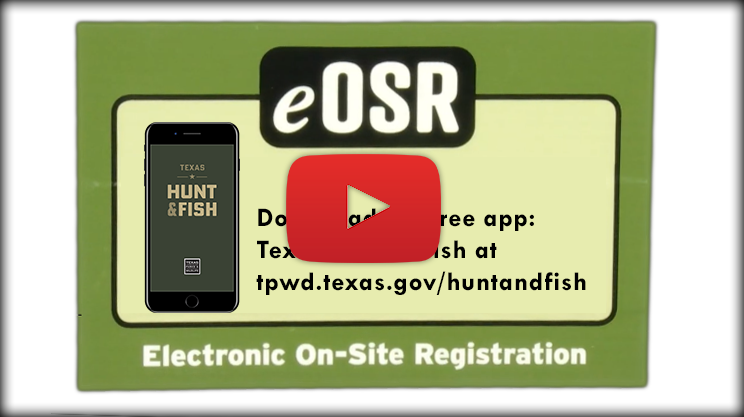

Example OSR Paper Form

TEXAS PARKS AND WILDLIFE DEPARTMENT
PUBLIC LEASED HUNTING LANDS
On-Site Registration Form
On-Site Registration is required each time a person enters or exits this unit of public hunting land. Complete PART A upon arrival and place in the Registration Box before entering the hunting area, and carry the bottom section with you. Complete PART B prior to leaving the area and drop in the same registration box.

PART A
Customer Number (on your hunting license)
___________________________
Unit # _______ Date _______
(separate here)
PART B
Customer # ___________________________ Unit # ______ Date _______
Please complete the information below to indicate the activity you performed and the wildlife species you hunted on this specific unit. Note: Not all of the activities or species listed may be authorized on this area. Check the Legal Game Box for this unit and other posted regulations. Hunting is allowed on designated days only
Select all of the activities that you participated in on this unit:
__Hunting __Fishing __Nature Tour __Bird Watching __Accompany Family/Friend __Scouting __Other
How many animals did you HARVEST?
__Dove
__Pheasant
__Deer
__Quail
__Feral Hogs
__Rabbits/Hares
__Turkey
__Squirrel
__Waterfowl
__Other______________
How many animals did you OBSERVE?
__Dove
__Pheasant
__Deer
__Quail
__Feral Hogs
__Rabbits/Hares
__Turkey
__Squirrel
__Waterfowl
Did you enjoy your hunting experience?
__Yes __No
Would you hunt this unit again?
__Yes __No
Comments_________________________________________________
____________________________________________________________